Use casesFlipbook
Share Class Handouts With One Link or QR Code
Turn class handouts, worksheets and reading packets into a 3D flipbook that students and parents open from one link or a QR code. No app, free to start.
One link for students and parents, no photocopies
A class handout flipbook is the worksheet, reading packet or course handout you would normally photocopy, bound as a 3D book that opens in any browser. You upload the PDF, and students and parents open it from a link or a QR code on the classroom door, the class page or a note sent home. Nobody needs an account or an app, and the pages turn like a printed packet.
- Students and parents open the same handout from one link or QR code
- No app and no account: it opens in the browser on a phone or a computer
- Fix a typo or add a page and the link stays the same, so nothing has to go out again
- Unlisted or password-protected, for material meant only for your class
How to share class handouts online
Export the handout, worksheet or reading packet as a PDF, or as one image per page. Click New project, pick Flipbook and upload it.
Put the pages in order, choose a cover and a background, and add a navigation dock with links to the class page or the assignment form.
In the Share tab, set the visibility and save. Post the link on the class page, print the QR code on the paper copy that goes home, or paste the embed code into the school's website.
Frequently Asked Questions
No. Students and parents open the link in their browser, with no account and nothing to install.
Keep exploring
- Use caseStudy notes flipbookClass notes and study guides as a 3D book the whole class opens from one link.
- GuideFlipbook for educationWorkbooks, lab manuals and revision guides as a 3D flipbook students open on a phone.
- Use caseDigital yearbookA school year of class photos and portraits as a flipbook every family can open.
- Free toolFree PDF to 3D Flipbook ConverterReal 3D page physics, not the flat page flips of Issuu and Flipsnack.
More use cases
Flipbook
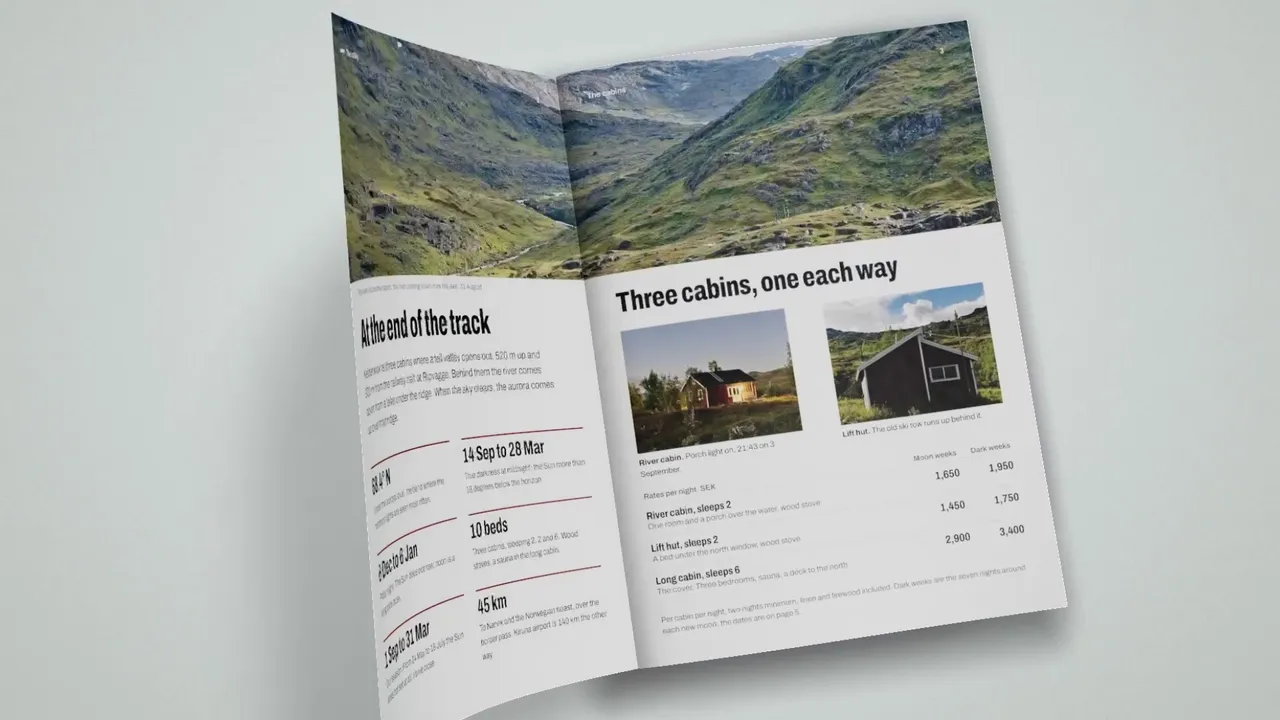
Interactive Brochure Maker: PDF to 3D Brochure
Make an interactive brochure from your PDF. Pages turn in 3D, hotspots link out, and it opens in the browser on computer, tablet and phone. Free to start.
Flipbook
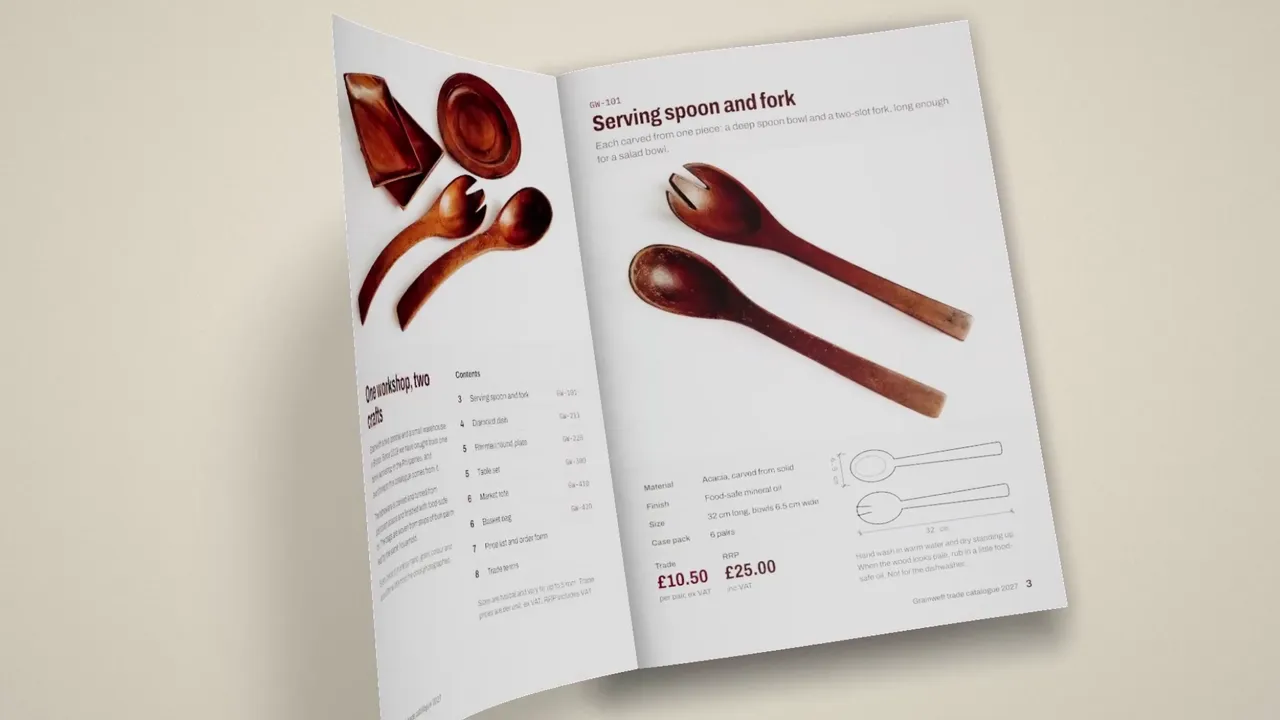
Create a Digital Catalog
i3Dify is a digital catalog maker: upload your product catalog PDF and it becomes an interactive 3D flipbook with realistic page-turning.
Flipbook
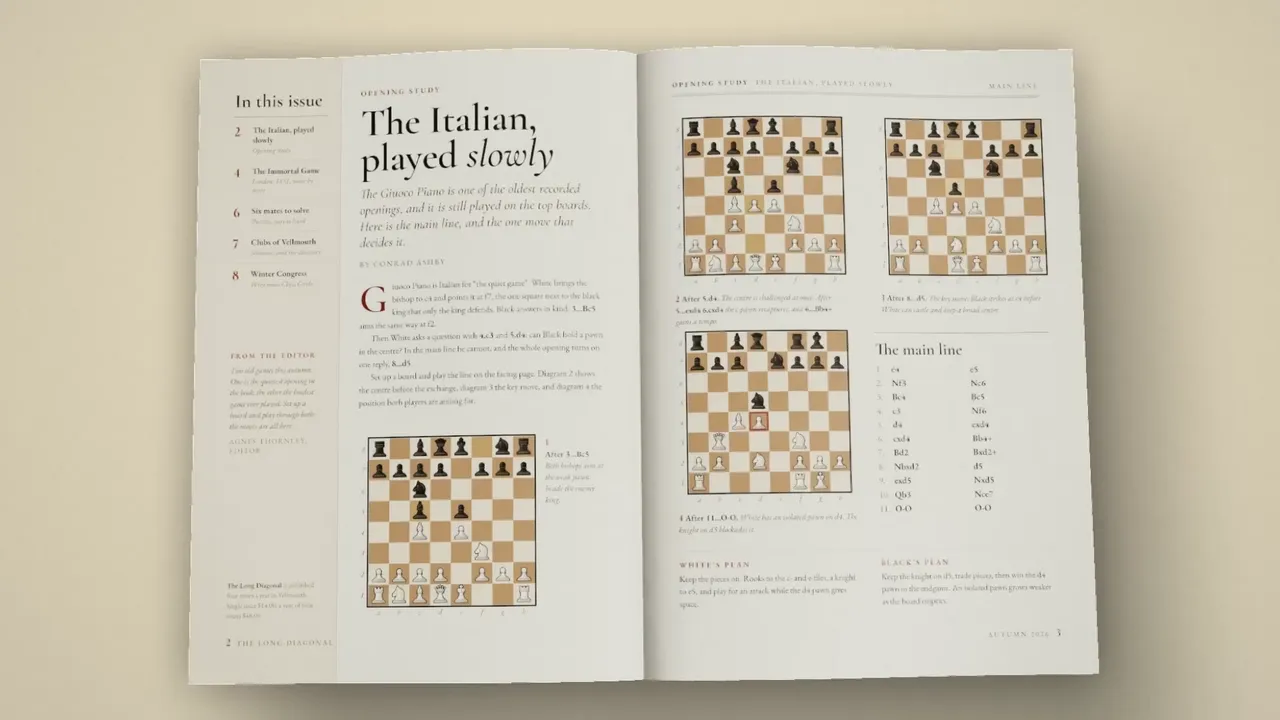
Create a Digital Magazine
i3Dify is a digital magazine platform: publish your issue as an interactive 3D flipbook with realistic page-turning that reads well on a phone.
Create a class handout flipbook now
Get started for free. No credit card required.
Share your handouts